

- Build features without breaking things
- Tackle more complex functionality with structured plans
- Build a well-structured and more maintainable application
- Ship faster with less bug fixing and rework
The Workflow
AI coding tools are powerful, but they struggle with vague instructions. They go off-track, miss requirements, and need constant hand-holding. BrainGrid is like an AI Tech Lead that brings clarity and structure with a proven workflow to ship reliable software. The workflow is simple, yet powerful:1
Start with a rough idea
Start with a rough idea, a high level concept, or a problem to solve.

2
Refine it with AI into a detailed specification
Click 
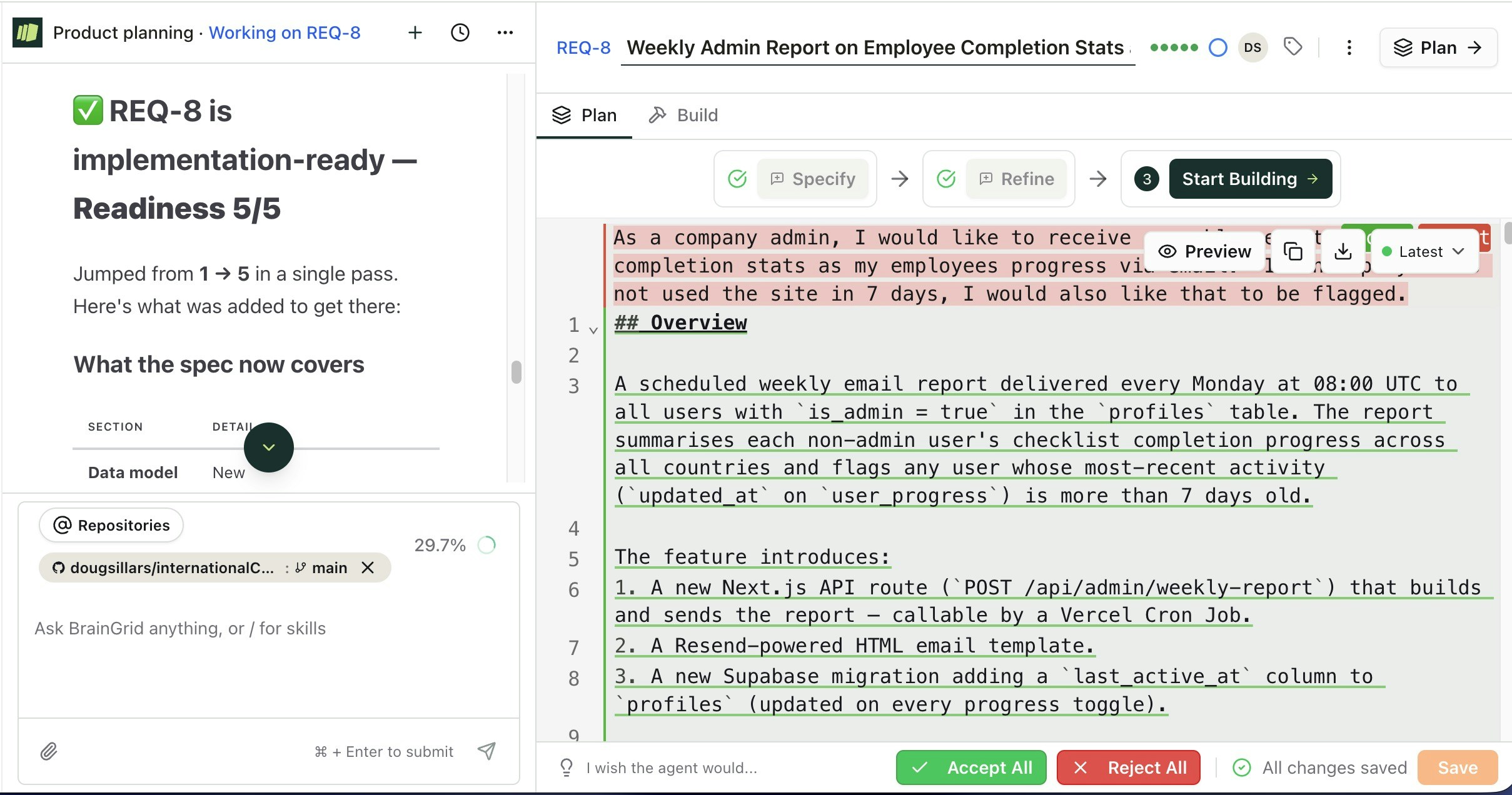
Refine to refine the rough idea with AI into a detailed specification.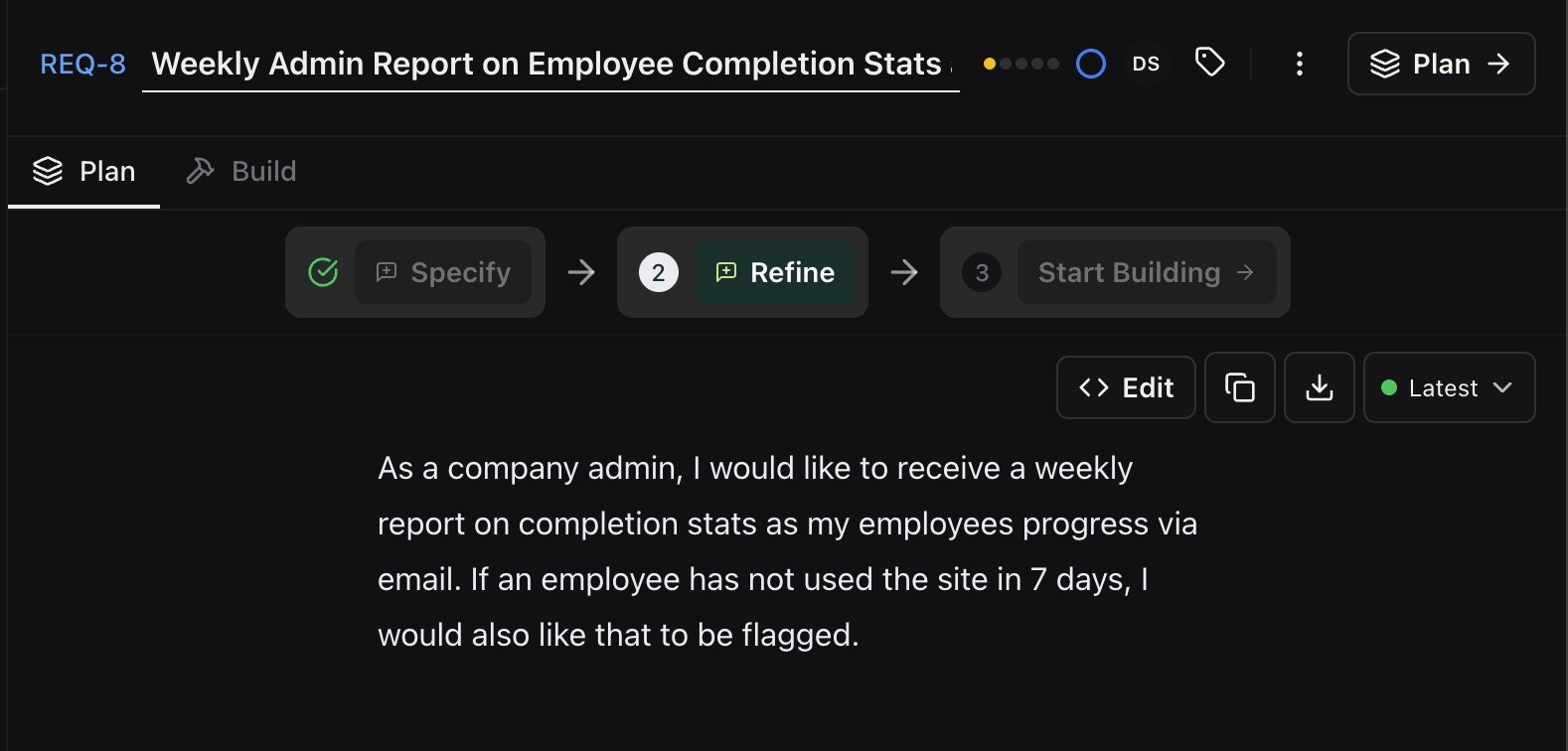
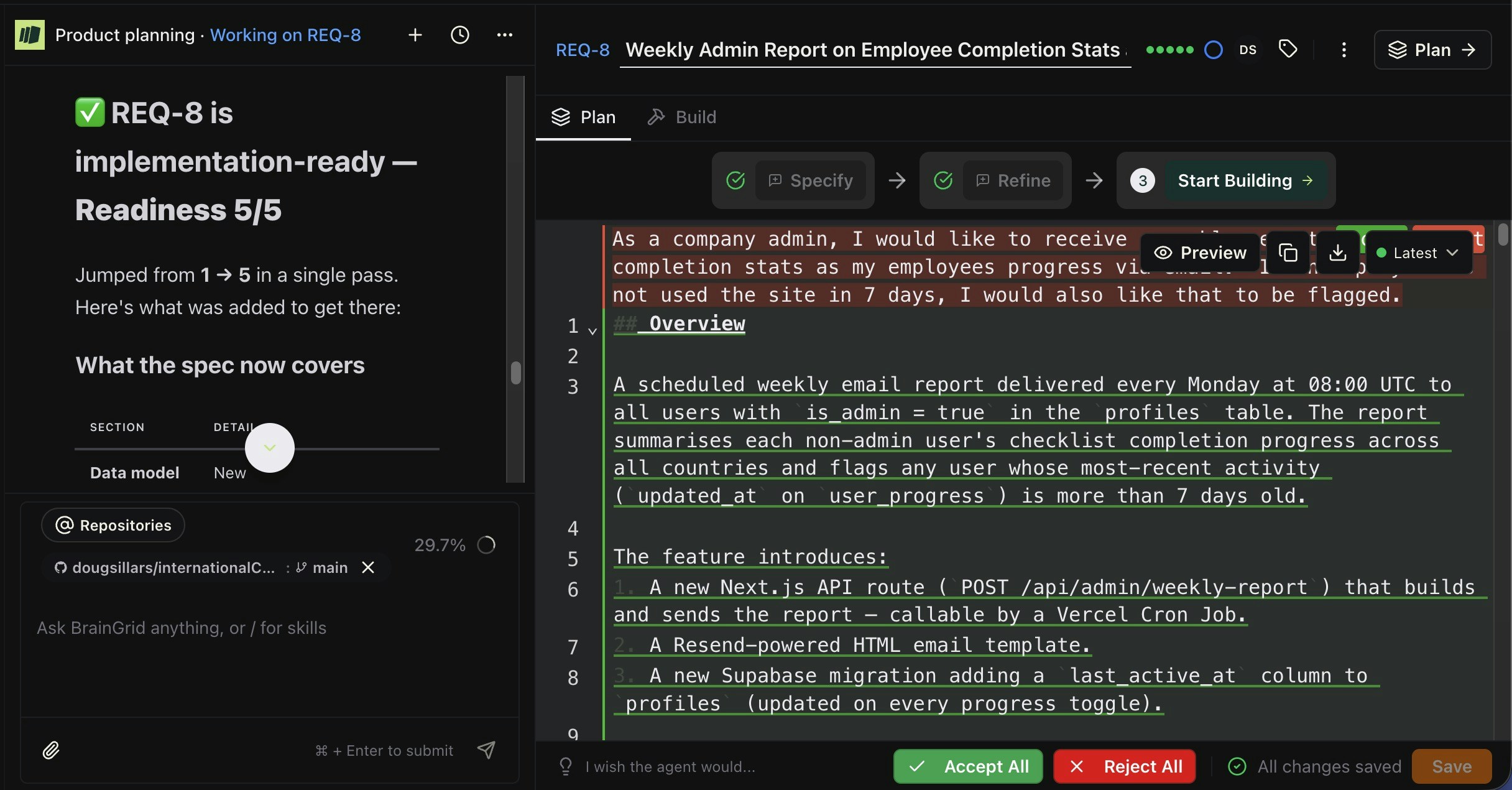
- Overview
- Actors
- Data Model Changes
- 6 Functional Requirements
- API Contract
- New Files
- Environmental Variables
- 10 Acceptance Criteria
3
Let your AI coding tool build it reliably
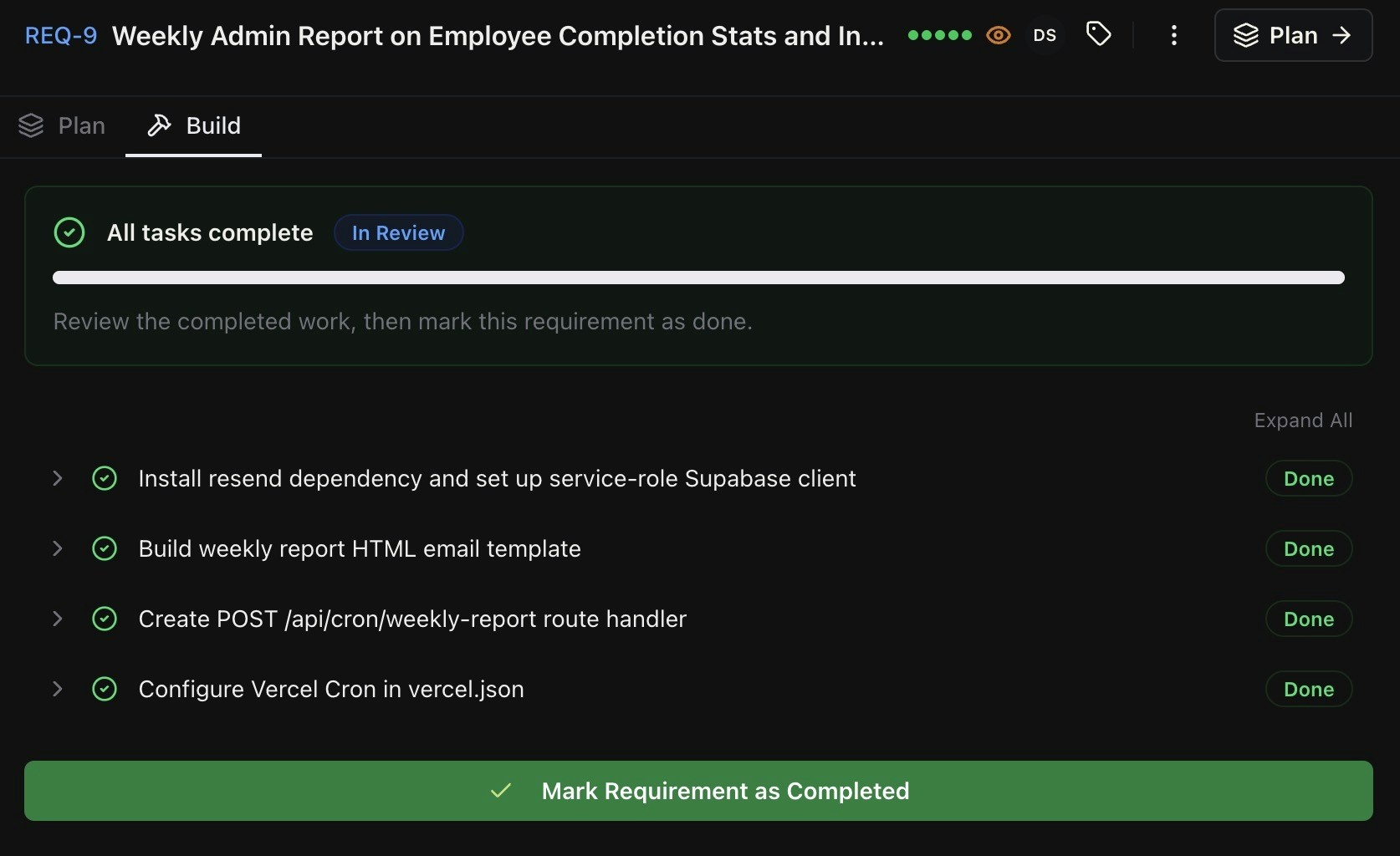
Automatically build the requirement with your AI coding tool.You can feed tasks via the MCP, CLI, or just copy paste them into your AI coding tool.BrainGrid and your AI coding tool will build the code required to complete the requirement. Under the hood: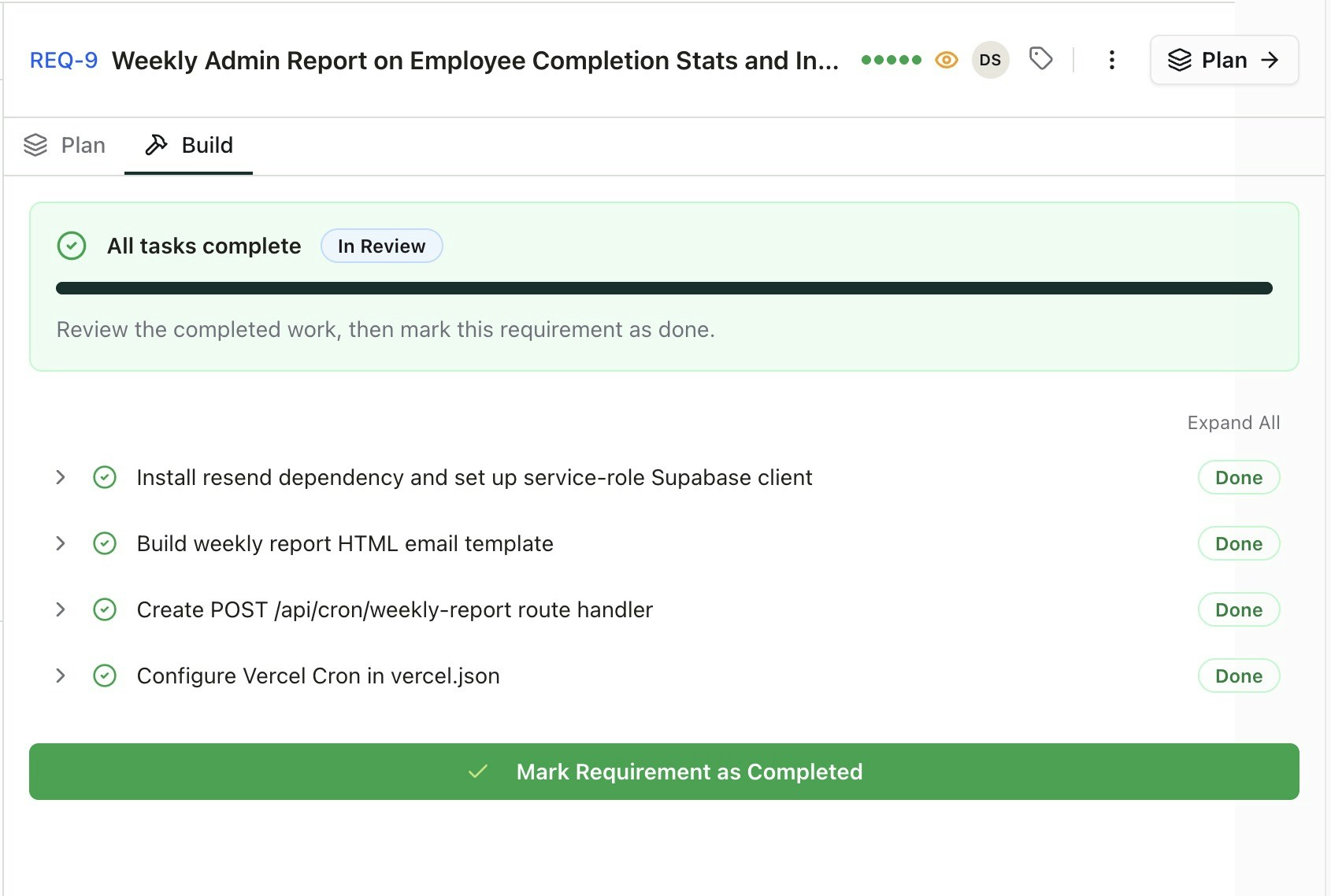
Claude Code or Cursor
- New GitHub branch
- Tasks are created
- Completes the coding for the tasks.
- Updates BrainGrid with the tasks shown as completed.
- Commits the code to the Github repository.
Getting Started
Quickstart
Step by step guide to get started in minutes
Create an account
Start working on new or existing projects.